
"Moisture Detected" on Your Samsung? Check What Else That Cable Charges
A Samsung that won't charge and insists there's moisture in the port, on a phone that has never been near water. One cause we see again and again: the cable is shared with a vape.
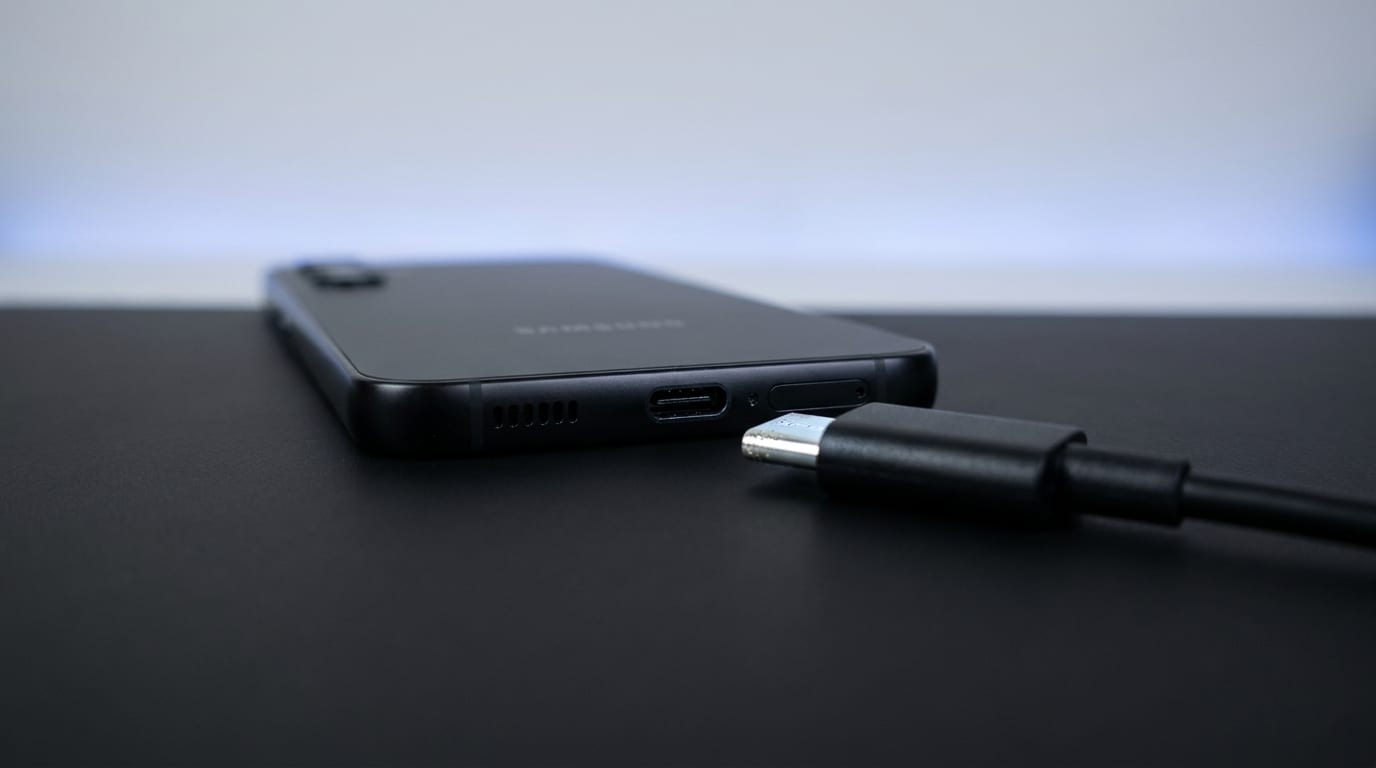
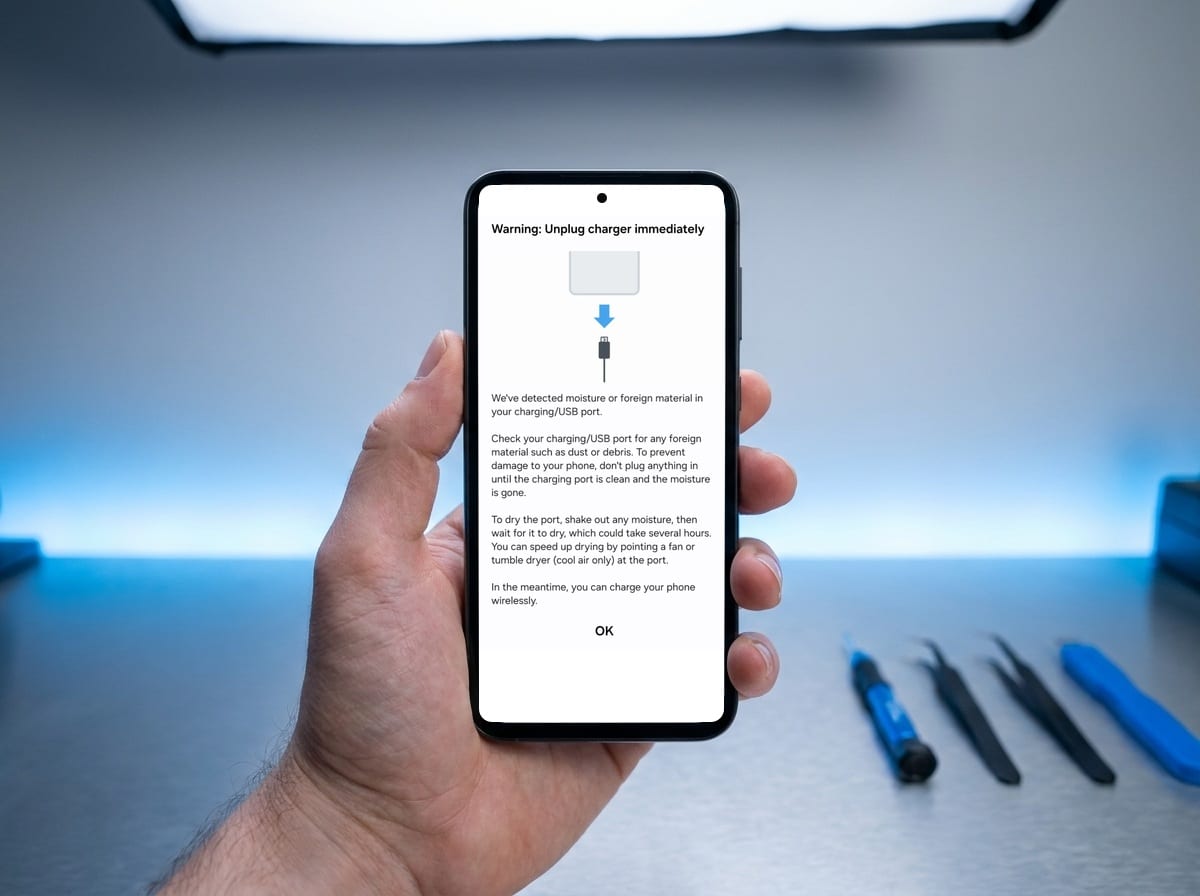
There’s a conversation I have on the counter most weeks. Someone’s Samsung has stopped charging and is showing the little water-drop warning — Moisture detected — and they’re certain the phone has never been near water. No spilled pint, no rain, no dropped-down-the-sink story. And they’re usually telling the truth.
Then I ask what else they charge with that cable.
The cable is the bit nobody suspects
A lot of vapes charge over USB-C, the same as the phone. So one cable lives in the car, or by the sofa, and it does both jobs.
The problem is what’s around the vape’s charging port. E-liquid seeps. It weeps out around the seals, it condenses in the housing, and it collects in and around the port — which is exactly where you’re pushing the metal tip of your cable several times a week. That tip picks up a film of it.
Then you plug the same tip into your phone, and you’ve put the liquid directly inside the one opening on the device that goes straight to the board.
Nobody spills anything. Nothing dramatic happens. It just transfers, a little at a time, and then one morning the phone won’t charge.
Why it’s worse than water
If your phone gets properly wet, water has one thing going for it: it evaporates. Leave the phone alone, port down, and there’s a decent chance it dries out and the warning clears on its own.
E-liquid doesn’t do that. It’s mostly vegetable glycerine and propylene glycol — thick, syrupy stuff that’s used precisely because it holds onto moisture. It doesn’t evaporate away like water does. It sits in the port as a sticky residue, and because those liquids actively pull water out of the air, the port never really gets dry.
That’s why these ones behave differently. The owner does everything right — leaves it off, leaves it to dry, gives it a day — and the warning comes straight back the moment they plug it in. It was never going to dry, because what’s in there isn’t water.
The residue also does a second, slower thing: it traps whatever dust and pocket lint comes past, and it keeps moisture against the contacts. That’s the beginning of corrosion.
What to do if it’s showing now
The warning itself is the phone being sensible — it has sensed liquid across the pins and cut the power, because pushing current through a wet connector is what causes the real damage. Your phone isn’t broken. It’s protecting itself. There’s more on what that warning means on our charging port repair page.
What actually helps:
- Stop trying to charge it. Dismissing the warning and forcing it through is the one move that turns a clean into a replacement.
- Don’t poke about in the port with a pin, a paperclip or a SIM tool. The contacts inside are thin and they bend.
- Leave it off, port facing down. No hairdryer, and not in rice — rice doesn’t work.
- Look at your cable. Run a clean dry cloth over the metal tip. If it comes away sticky or leaves a smear, you’ve found it.
- Stop sharing that cable. This is the whole fix, long term.
If the warning clears and charging is normal again, you’ve got away with it. If it comes back, or charging has gone unreliable and needs the cable held at an angle, there’s residue in the port and it needs cleaning out properly.
When it needs a repair
Sometimes it’s just a clean and an inspection. Sometimes the port has corroded far enough that it needs replacing — that’s a soldered part, so it’s a micro-soldering job rather than a plug-in swap.
Price: Samsung charging port replacement starts from £49.
Diagnostic: Free. We’ll tell you which of the two it is before you commit to anything.
Warranty: 12 months on the part we fit and the work we do.
The reason I’d rather see it early is straightforward: a port with residue in it is a cleaning job, and a port that’s been charged through for three weeks while the warning was dismissed often isn’t.
The prevention is a £5 cable
Genuinely, that’s it. Buy a second cable, keep it with the vape, and never let it near your phone. Give the vape’s charging port a wipe now and again while you’re at it.
It’s the cheapest repair-prevention advice I give anyone, and it comes up often enough on Samsungs that it’s worth writing down.
If your Samsung is showing a moisture warning and it won’t shift, bring it into our Tiverton workshop or call 01884 693694. The diagnostic is free, and if it’s a clean rather than a replacement we’ll tell you that.