
Porridge in the Charge Port — and Why Not to Poke It
Food and drink in a charging port behaves nothing like pocket lint. What we see in the workshop, why it triggers moisture warnings, and why the clean is free.
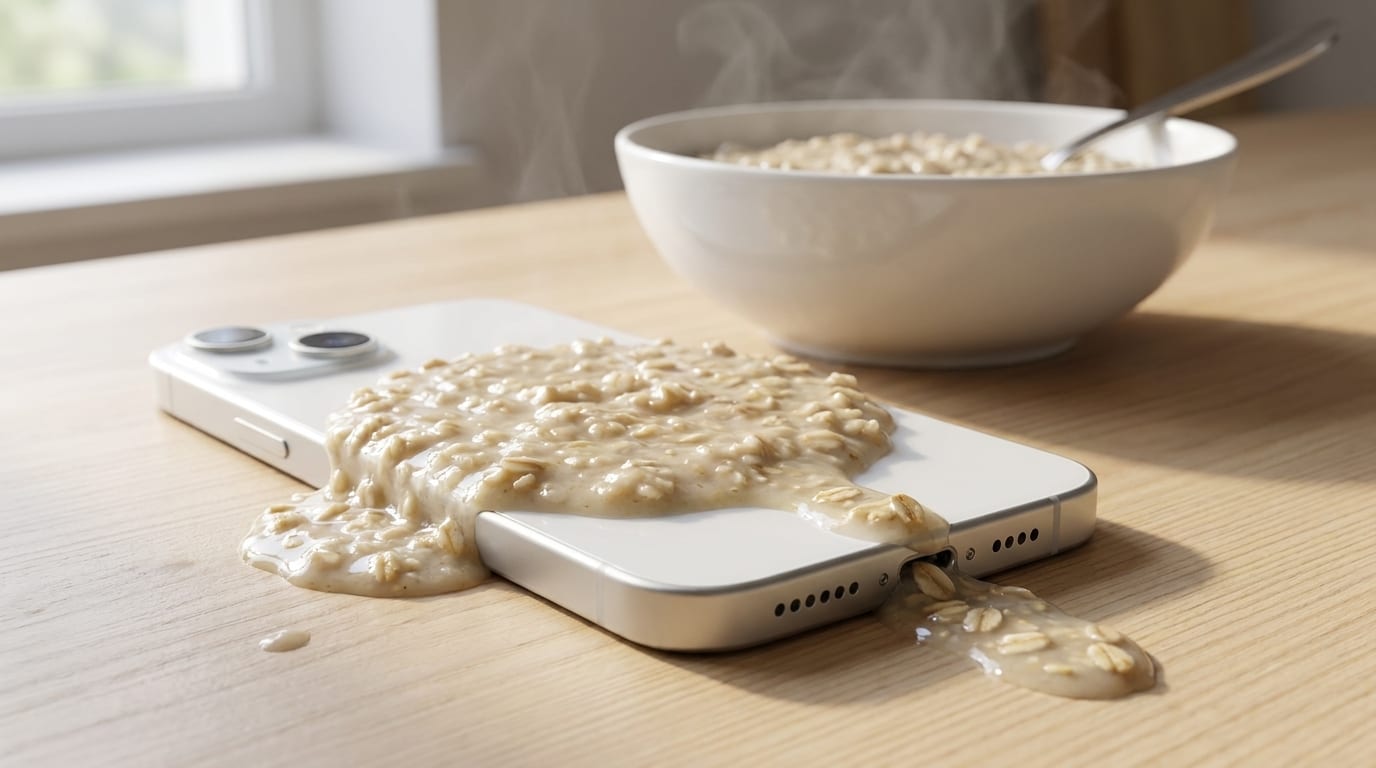
A phone that won’t charge after food or drink has got into the port usually isn’t broken, and usually doesn’t need a new port. It needs the port cleaning properly — and at our Tiverton workshop that clean costs you nothing, because we’d rather look first and charge you only if it turns out to need a repair. What does the damage is the half hour someone spends poking at it with a pin before they bring it in.
We had a customer drop their phone into their morning porridge. That is the one everybody remembers, and it is the reason this post exists. But it is not the unusual case — it’s just the funniest.
Is food in a charging port actually common?
More common than people expect, and it isn’t mostly porridge. It’s Friday night: a pint goes over on the table, the phone is in the splash zone, and nobody thinks much of it until Saturday morning when the cable won’t take. Coffee, tea, juice, a toddler’s yoghurt, a drink knocked across a desk. The phone usually survives the spill itself without complaint. The port is where the trouble collects, because it’s the one opening on the device that leads straight to the board.
The pattern is nearly always the same. Nothing dramatic happens at the time. The phone carries on working. And then at some point — that evening, or three days later — it stops charging, or charges only when you hold the cable at an angle.
Why is food worse than pocket lint?
Most advice about charging ports is written about lint, and lint is a different problem with a different answer.
Pocket lint is dry. It compacts into the bottom of the port over months until the cable physically can’t seat far enough in to make contact. Annoying, but inert — it isn’t going anywhere and it isn’t doing anything to the pins. Get it out and the phone is fine.
Food and drink do three things lint never does:
- They’re sticky, and they set. Sugar and starch dry hard. Porridge in a warm port behaves a bit like glue: by the time the phone reaches us it isn’t a smear, it’s a cast of the inside of the port.
- They conduct. Anything wet and dirty bridges the contacts, which is a completely different failure from “the cable won’t go in”.
- They corrode. Sugary and acidic spills are worse than plain water on a logic board, and the same is true in a port. Time matters more than people think — the same spill brought in on the day and brought in a fortnight later are two different jobs.
That last one is why “it dried out and seems fine” is not the all-clear it sounds like. Our water damage repair page covers what corrosion does in the weeks after a spill, and if the drink went over the whole phone rather than just the port, start with what to do when a phone gets wet.
Why does it say “moisture detected”?
It can, and it catches people out — because they know full well the phone hasn’t been in water.
The sensor isn’t looking for water specifically. It’s checking whether anything conductive is bridging the pins in the charging port, and a film of beer or a smear of porridge does that every bit as well as a splash of water does. The phone senses it and cuts power to the pins deliberately, because pushing current through a wet or dirty connector is what causes the real damage.
So the warning is the phone protecting itself, not a sign that it’s broken. The thing to take from it is that it will not clear while there’s still something in there. Water evaporates; porridge doesn’t. If the warning keeps coming back after a proper dry-out, something is still bridging those pins.
We see the same mechanism from a completely different cause in Samsung phones showing moisture detected from a vape cable — no spill at all, just residue transferred on the cable tip.
Should I clean it out myself?
This is the part worth reading twice, because it’s where a free job turns into a paid one.
The internet’s answer to a blocked charging port is a toothpick, a blast of compressed air and a dab of isopropyl. That advice is written for dry lint, and for dry lint it’s broadly sound. Applied to set food it mostly achieves two things: it packs the residue further down, and it puts a tool between contacts that are about half a millimetre apart.
What we see when someone has already had a go:
- Bent contacts. A paperclip or a pin bends the delicate pins inside, and a port that needed cleaning now needs replacing.
- Residue pushed deeper. Scraping at something sticky compresses it into the bottom of the port rather than lifting it out.
- Liquid introduced on purpose. Isopropyl on a cotton bud is fine against dry grime; on a port that already has sugar in it you’ve just re-wetted the lot and spread it.
Two things are genuinely worth doing yourself, and both are free. Turn the phone off and leave it off — that removes the risk of shorting something. And don’t keep trying the cable. Repeatedly plugging in to see whether it works yet is the single most common way a recoverable port becomes a replacement.
Then bring it in. The clean is free, and the reason we can say that honestly is that most of these are a clean and nothing more.
What if cleaning doesn’t fix it?
Sometimes it doesn’t. If the residue has been in there long enough to corrode the contacts, or if the port has already been damaged — by a spill, by wear, or by a pin — then the port itself needs replacing.
That’s a real repair rather than a part swap: the port is soldered to the board, so it’s micro-soldering work, and it’s worth having done properly because a rushed job here can cost you the board. We’ll tell you that’s what it needs before we do anything, and quote it first. Charging port replacement on an iPhone starts from £49, with the figure for your own handset confirmed at the free assessment.
The order matters, though, and it’s the whole point of this post: clean first, assess, then quote if it needs more. Not the other way round.
The bottom line
Food in a charging port is a nuisance, not a disaster, and it is one of the few phone faults where doing nothing is actively the best first move. Turn it off, stop trying the cable, and let someone look at it with a microscope and the right tools rather than a toothpick and optimism.
And if it was porridge — you’re not the first, and you won’t be the last.
If your phone has stopped charging after a spill, get in touch or read more about what’s involved on our charging port repair page. The assessment and the clean cost nothing.
Food in a charging port: your questions answered
Can food in a charging port damage my phone permanently?
Usually not, if it's dealt with reasonably promptly. The food itself sits in the port rather than inside the phone, and in most cases a proper clean is the whole repair. What causes lasting damage is time and interference: sugary residue left for weeks starts to corrode the contacts, and poking at it with a pin bends them. Both can turn a clean into a port replacement.
Why does my phone say moisture detected when I only spilled food on it?
Because the sensor is not looking for water specifically — it checks whether anything conductive is bridging the pins in the charging port. Beer, juice, coffee and porridge all do that as readily as water. The phone cuts power to the pins to protect itself, which is why the warning appears even though the phone was never submerged.
Should I clean my charging port with a toothpick?
Not for food. That advice is written for dry pocket lint, where it is broadly sound. Set food is sticky, so scraping tends to pack it further into the port rather than lift it out, and anything metal — a pin, a paperclip, a safety pin — bends contacts that sit about half a millimetre apart. Turn the phone off and bring it in instead; our clean is free.
How much does it cost to clean a charging port?
Nothing, at our Tiverton workshop. We clean the port free of charge and assess it properly first. If it turns out the port itself needs replacing, we quote that before doing any work, so you know where you stand before you commit to anything.
My phone charges if I hold the cable at an angle — is that the same problem?
It can be. A phone that only charges when the cable is held just so is describing a connection that is not seating properly, and debris or dried residue in the port is one common reason for that. Wear on the port itself is the other. Either way it is worth getting looked at early, because people tend to keep wiggling the cable and that makes the second cause considerably worse.
Can I still use my phone after a drink has gone over it?
You can, but do not charge it, and ideally turn it off. Powering a device with liquid in the charging port is what causes most of the damage we see — the liquid gives the current somewhere to go that it should not. If the phone is working normally otherwise, the sensible order is: switch it off, leave the cable alone, and get the port looked at.