
Charging Port Repair in Tiverton, Devon
Phone won't charge or charges intermittently? We diagnose and repair charging ports on all major phones, tablets and MacBooks. From £45. Usually done in 1–2 hours.
- ✓ Free diagnostic — clean or replace, we'll advise honestly
- ✓ Most repairs completed in 1–2 hours
- ✓ 12-month warranty on all charging port repairs
- ✓ MacBook MagSafe and USB-C ports from £69
- ✓ No fix, no fee
- ✓ Workshop by appointment — same-day slots usually available
Devices We Cover
Is it the port, the cable, or the battery?
Worth five minutes before you pay anyone, because a good share of "my phone won't charge" turns out not to be the phone at all. Run through these in order:
- Try a different cable and a different plug. Cables fail far more often than ports do — usually where the lead meets the connector, from being bent in the same place every night. Test both, separately, because either can be the culprit.
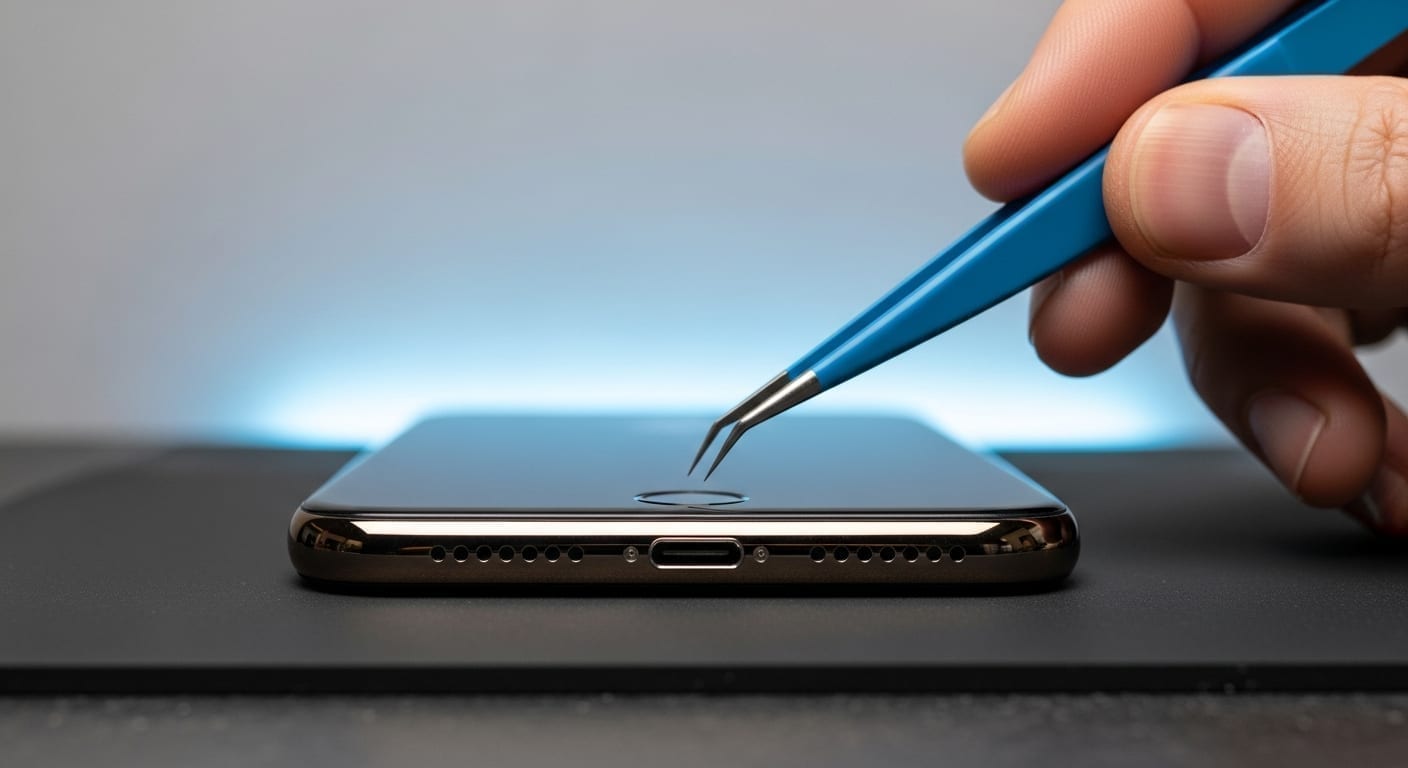
- Look into the port with a torch. Pocket lint compacts into the bottom of a charging port over months until the cable physically can't seat far enough in to make contact. If you can see a grey felt-like plug of debris in there, that's very likely your fault — and it's a clean, not a repair.
- If your phone charges wirelessly, try that. Wireless charging doesn't go anywhere near the charging port. If the phone happily charges on a pad but not on a cable, the battery is fine and the fault is in the port or its connector.
- Note whether it's intermittent. A phone that charges only when the cable is held at an angle, or that connects and disconnects repeatedly, is describing a worn or loose port rather than a dead one. Caught early that's a straightforward job.
Whatever the outcome, don't force it. Pushing the cable in harder, or poking around inside the port with a metal pin or paperclip, bends the delicate contacts and turns a clean into a replacement. If in doubt, leave it and bring it in — the diagnostic is free either way.
"Moisture detected" — what it actually means
If your phone is showing a moisture or liquid-detected warning and refusing to charge, that's the device protecting itself: it has sensed liquid in the charging port and cut power to the pins, because passing current through a wet connector is what causes corrosion and short circuits. The phone isn't broken. It's being careful.
This is by far the most common cause of charging port failure we see on Samsung Galaxy handsets, and it turns up on iPhones and other Android phones too. It doesn't take a dunking — a damp pocket, a bathroom shelf or a rained-on walk home is enough.
What to do: stop trying to charge it, and stop dismissing the warning. Leave the phone switched off with the port facing down and let it dry naturally. Don't use a hairdryer and don't put it in rice. If the warning is still there once the phone is properly dry, or if it cleared but charging is now unreliable, there's likely residue or early corrosion in the port — that's a clean and inspection job, and the sooner it happens the less likely it is to become a water damage repair.
Cleaning, or replacing?
These are two genuinely different jobs and we'll tell you which yours needs before we start. A blocked port is compacted debris stopping the cable seating properly — that comes out under magnification with the right tools and no soldering at all. A failed port is one whose contacts are worn, bent or corroded, and that needs the connector itself replaced.
On most modern phones the charging port sits on a small flex assembly that comes out as a unit. On others — and on MacBooks — the connector is soldered directly to the board, so replacing it is a precision micro-soldering job with original-spec parts rather than a swap. Both carry the same 12-month warranty. The free diagnostic exists precisely so you know which one you're paying for before you commit.
Charging port repair prices by model
Exact prices, turnaround and the faults we see on each one.
Book a Charging Port Repair
Call 01884 693694 or fill in the form below. We'll advise whether a clean will fix it or whether a full replacement is needed — and quote accordingly.
- ✓ Free port inspection and diagnostic
- ✓ Same-day appointments available
- ✓ 12-month warranty included
Get a Quote
Tell us about your device and we'll get back to you quickly.
Charging Port Repair — FAQs
My phone isn't charging — is it definitely the port?
Not always. The first things to check are the cable and adapter (try a different one), and the charging port for visible compacted debris (a common issue — accumulated debris builds up inside over time). If the port is clean and the cable is fine but charging is still intermittent or not working, the port itself is likely the issue. We'll diagnose it for free.
Can you clean a charging port without replacing it?
Yes — if the issue is compacted, accumulated debris rather than a damaged port, a thorough clean can resolve it. We do this as part of our free diagnostic. If the port itself is physically damaged or worn out, replacement is the proper fix.
How long does a charging port repair take?
Most phone charging port replacements take 1–2 hours at our Tiverton workshop. MacBook MagSafe charging port repairs are typically done the same day, within 2–3 hours.
How much does a charging port repair cost?
Phone charging port repairs start from £45–£49 depending on model. MacBook MagSafe/USB-C port repairs start from £69. The exact price is confirmed at your free diagnostic before any work begins.
Is it covered by warranty?
Yes — all charging port repairs come with our 12-month warranty, covering the part we fit and the work we do. If the repaired port develops a fault within 12 months, we fix it at no charge. New accidental damage is a separate matter — if the port is physically damaged again, that's a fresh repair rather than a warranty claim.
Where can I get a charging port repair near Tiverton?
At our Tiverton workshop on West Exe South — most phone charging port repairs are done within 1–2 hours by appointment. We also cover Cullompton, Crediton, Wellington and the wider Mid Devon area via mobile call-out.
Do you offer call-out charging port repair across Mid Devon?
Yes. We come to homes and workplaces across Cullompton, Crediton, Wellington, Willand, Uffculme and the surrounding villages. Many charging port issues are diagnosed and repaired on-site; a call-out charge applies in addition to the repair price and is quoted upfront.
My phone says "moisture detected" and won't charge — what do I do?
That warning means the phone has sensed liquid in the charging port and cut power to the pins to protect itself — charging a wet connector is what causes corrosion and shorts. Stop trying to charge it, switch it off, and leave it port-down to dry naturally. No hairdryer, and not in rice. Liquid is the most common cause of charging port failure we see, particularly on Samsung Galaxy handsets. If the warning persists once it's dry, or charging has become unreliable since, bring it in — there's likely residue or early corrosion in the port, and catching it early keeps it a clean rather than a water damage repair.
My phone charges wirelessly but not with a cable — what does that tell you?
That the battery is fine. Wireless charging bypasses the charging port entirely, so if the phone happily takes charge on a pad but not through a cable, the fault is in the port or its connector rather than the battery or the charging circuit. It's a genuinely useful test to run before you bring it in.
My phone only charges when I hold the cable at an angle — is that fixable?
Yes, and it's worth doing sooner rather than later. A port that only connects at a certain angle, or that connects and drops repeatedly, has worn or slightly bent contacts. It's a straightforward repair at that stage. Left alone, people tend to push harder to get it to connect, which bends the contacts further and can damage the board underneath.
Should I clean the port myself?
Have a look with a torch by all means — if you can see a compacted grey plug of pocket lint, that's almost certainly your problem. But don't go in with a paperclip, a pin or anything metal. The contacts inside are delicate and easily bent, and we see plenty of ports that were a simple clean until someone had a go at them. We do the inspection and clean as part of the free diagnostic.
Do you repair Lightning, USB-C and MacBook MagSafe ports?
Yes — we repair and replace Lightning ports on older iPhones, USB-C ports on modern iPhones, Samsung, Pixel and other Android phones, iPads and laptops, plus MagSafe and USB-C charging boards on MacBooks. Where the port is soldered to the board we carry out a precision micro-soldering repair using original-spec connectors.