
Why Your PS5 Overheats — And Why a Clean Won't Fix It
A loud PS5 that throws thermal warnings or shuts down mid-game usually isn't dusty — it's the liquid metal. Here's what's actually happening inside, and what a proper repair involves.
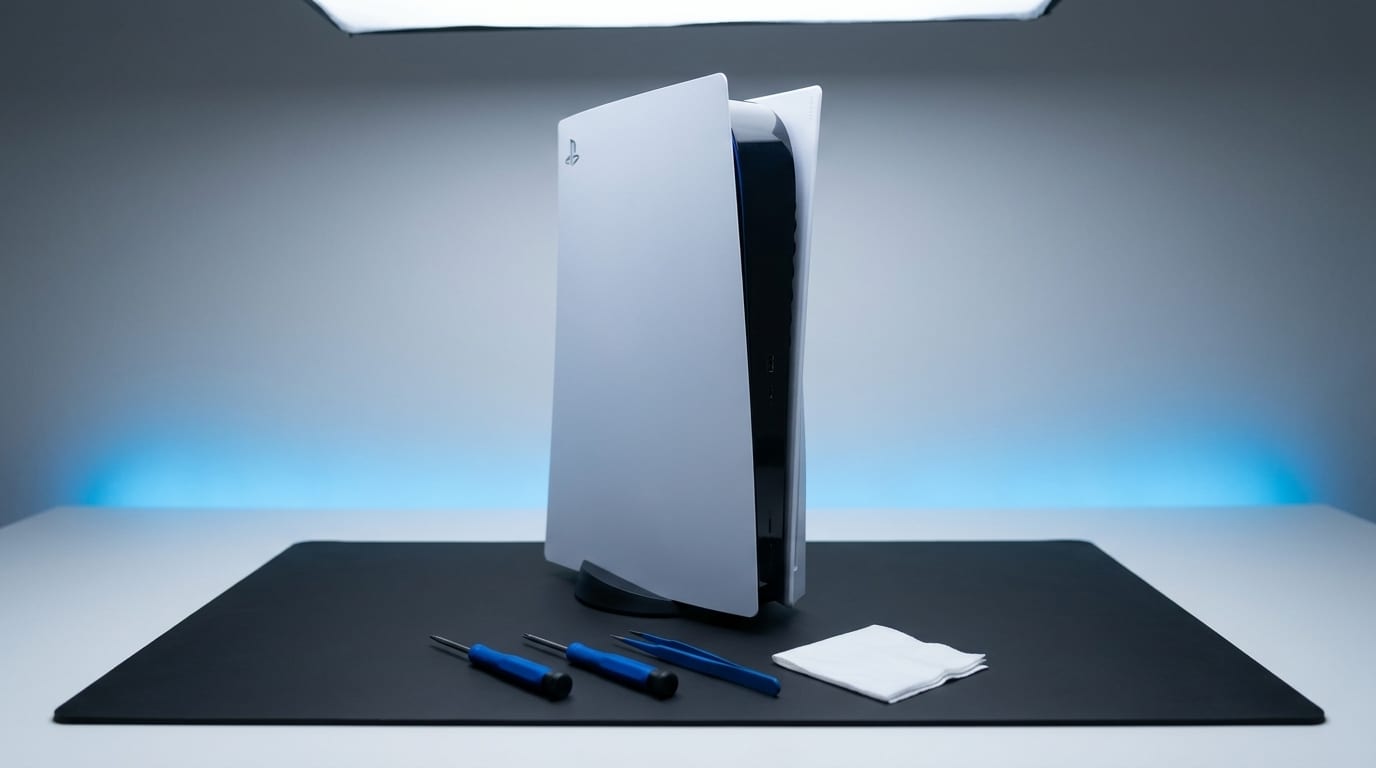
If there is one fault the PS5 is known for, it is heat. A console that has got loud, that throws thermal warnings, or that shuts itself down partway through a game is telling you its cooling is no longer doing its job.
The instinct is to reach for a can of compressed air. Sometimes that is genuinely all it needs. But on a PS5 that has been in service for a few years, the fault is usually somewhere a clean cannot reach — and that is worth understanding before you pay anyone to hoover your console.
The PS5 doesn’t use thermal paste
Almost every console and laptop moves heat off its processor using thermal paste — a grey compound that fills the microscopic gaps between the chip and the heatsink.
Sony did something different with the PS5. It uses liquid metal, which conducts heat far better than paste does. That is a large part of why a healthy PS5 runs as quietly as it does while pushing the graphics it pushes.
The catch is what happens over time. Across years of heat cycles — warming up under load, cooling down when you switch off, over and over — the liquid metal can migrate away from where it is supposed to be. Once it has moved, the processor is no longer making proper thermal contact with the heatsink, and the console starts running hot no matter how clean it is.
This is what it actually looks like
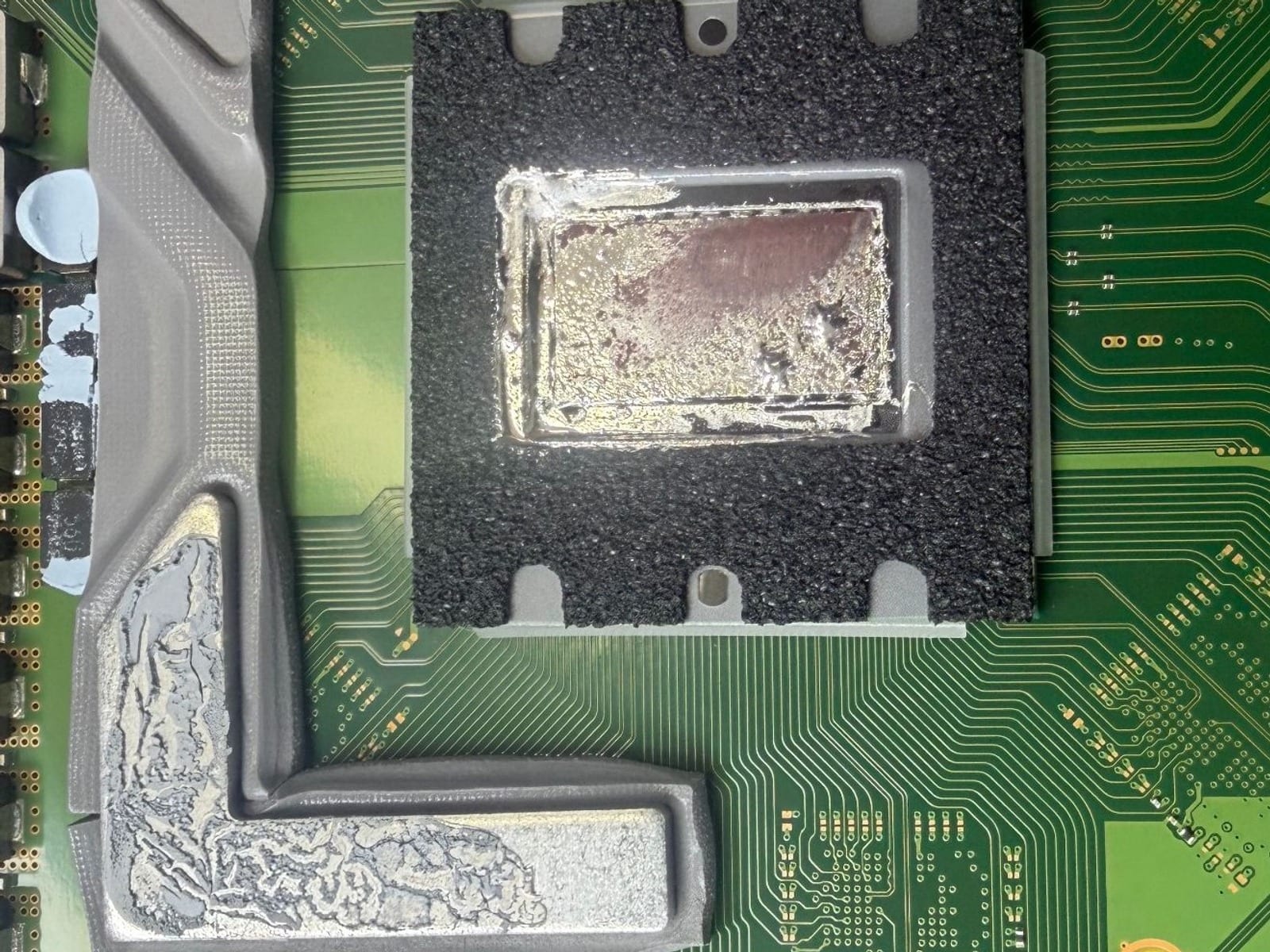
That is a real board off our bench, not an illustration. The bright silver you can see spread along the frame on the left is liquid metal that is no longer where it needs to be — and the dull patch in the middle of the processor is the bare area it has pulled away from.
Dust was never the problem on this console.
Why “we’ll give it a clean” often doesn’t hold
This is where a lot of PS5 servicing falls short. Blowing the fans out with a vacuum or a can of air moves the dust you can see. The console does run quieter — for a fortnight. Then the overheating comes back, because the actual fault was never touched.
If your PS5 was cleaned somewhere and the problem returned within a few weeks, this is almost certainly why.
One word of warning if you are thinking of doing it yourself: clearing the outside vents is harmless and worth doing. But holding a vacuum against the fan can spin it far faster than it was designed to turn, which does the bearings no favours at all. You can turn a thermal problem into a mechanical one.
What a proper repair involves
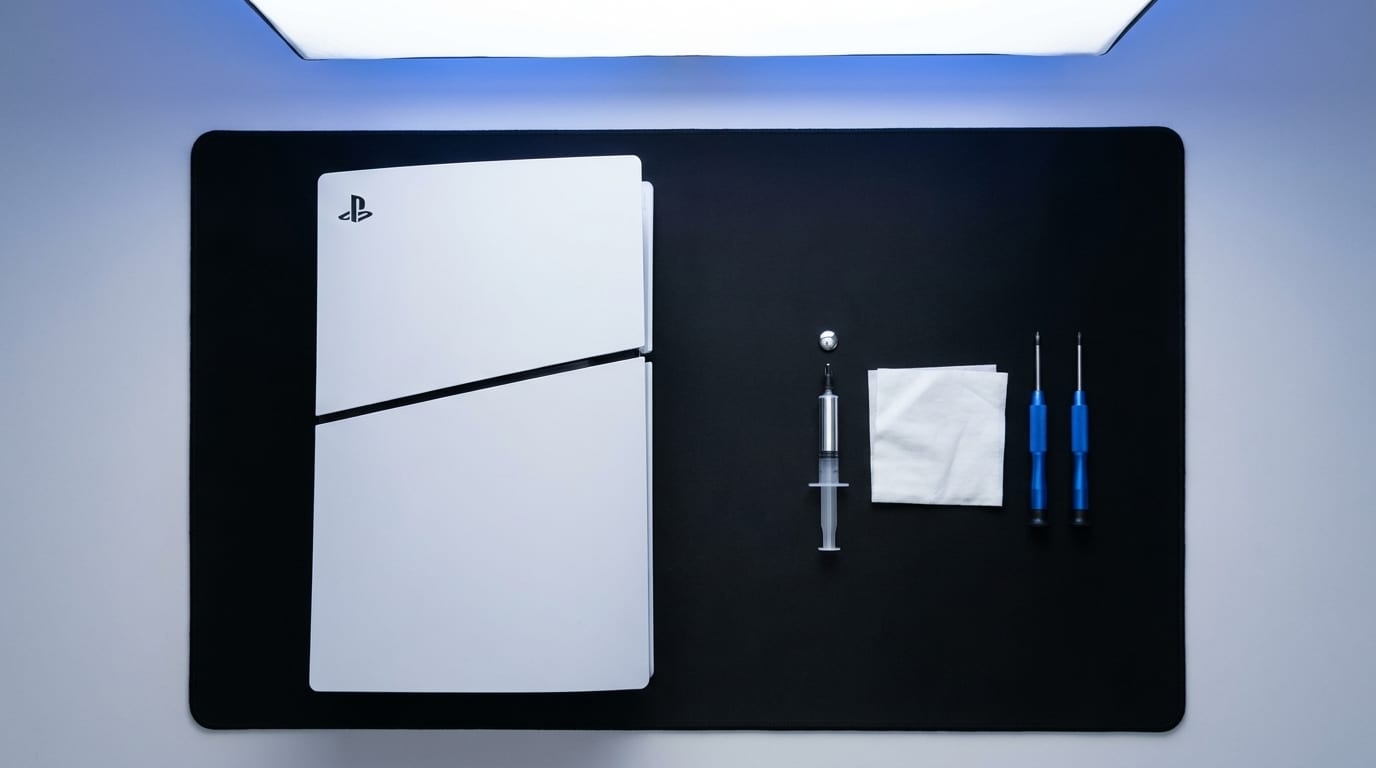
Doing this properly is a strip-down, not a hoover:
- The console comes fully apart.
- The old, migrated liquid metal is removed from the processor.
- Fresh liquid metal is applied to the processor.
- The heatsink, fan and vents are cleaned out properly while the console is open — which is the point at which you can actually reach them.
- It is reassembled and then tested under load before it goes back to you, because a thermal repair that has not been run hot has not really been tested.
Price: PS5 overheating and liquid metal repair starts from £79 at MTM IT.
Turnaround: Same day in most cases. It is still a full strip-down rather than something done while you wait at the counter, and it is tested under load before it goes back.
Warranty: 12 months on the part we fit and the work we do.
Should you attempt it yourself?
Honestly — think carefully. Liquid metal is not thermal paste. It is electrically conductive, which means any that goes where it should not can short components on the board, and getting the console apart and back together correctly is not a five-minute job.
If you are experienced with this kind of work, you will already know whether it is within your comfort zone. If you are not, the downside of getting it wrong is a console that no longer turns on at all rather than one that runs hot.
While it’s open
Two things worth mentioning, because they come up constantly on the same consoles.
If your PS5 powers on but the TV shows nothing — fan running, light bar lit, no picture — that is usually not a heat problem at all. It is the classic HDMI port symptom, normally caused by the console being knocked or moved with the cable still plugged in. We cover that in detail in PS5 HDMI port repair.
And if you are not certain which of the two you are dealing with, do not guess at it. We will look at the console and tell you, free, before anything is booked in.
Booking a PS5 thermal repair
PS5 overheating: your questions answered
Can I replace the liquid metal in my PS5 myself?
You can, and people do — but go in clear-eyed. Liquid metal is electrically conductive, so any that ends up somewhere it should not be can short components on the board, and getting the console fully apart and back together correctly is not a five-minute job. If you already do this kind of work you will know whether it is within your comfort zone. If you do not, the downside of getting it wrong is a console that will not turn on at all rather than one that runs hot.
Will opening my PS5 affect my warranty?
If your console is still inside Sony’s own warranty, take it to Sony first — we would rather tell you that than take the job. Most PS5s we see are long past it. Once it is out of warranty the decision is yours, and the work we do carries our own 12-month warranty on the part we fit and the labour.
How often does a PS5 need its liquid metal doing?
We do not have a service interval to sell you. Plenty of consoles never need it. It is driven by symptoms rather than a calendar: if yours has got loud, throws thermal warnings or shuts down mid-game, that is the point to have it looked at. If it is quiet and behaving, leave it alone.
Will a clean fix my PS5 overheating, or does it need the liquid metal doing?
Sometimes a clean genuinely is all it needs, and we will tell you when that is the case. The reason we do not quote one over the phone is that the two look identical from the outside. That is what the free diagnostic is for — we open it, look at the state of the liquid metal on the processor, and tell you which of the two you are dealing with before you commit to anything.
How long does a PS5 thermal repair take?
Same day in most cases. It is a full strip-down — the old liquid metal removed, fresh applied, the heatsink, fan and vents cleaned properly while the console is open, then reassembled and tested under load. That last part matters: a thermal repair that has not been run hot has not really been tested. Booking it in rather than turning up means we can get it back to you the same day.
My PS5 is loud and shutting down — is it dying?
Usually not. A console that runs loud, throws thermal warnings or shuts itself down mid-game is almost always a cooling problem rather than a failing machine, and cooling problems are fixable. The thing that does real damage is carrying on regardless for months, because sustained heat is hard on everything around the processor.
If your PS5 is loud, hot, or shutting itself down, bring it to our Tiverton workshop or call us on 01884 693694. Diagnostics are free, and you will get an exact figure before any work starts.